
Let the crowd decide.
At halftime, measure how loud each side of the crowd can get and settle it on the big screen, one team at a time or all at once. The meter swings, and the winner's name fills the screen. One PC, a microphone, no internet.
- 1PC (Windows or Mac)
- 1+Microphone (USB or built-in; one per team for simultaneous battles)
- 0Internet connection, installation (Mac needs Chrome)
Where it works
A few minutes where the crowd is the show
Halftime
Home vs away, lower bowl vs upper deck. Decide it by voice and carry the energy into the second half.
Cheer-offs and rallies
Class vs class, department vs department. Swap the names and logos and it fits any grouping.
Events and expos
Between stage acts. One "three, two, one!" from the MC and the whole room joins in.
Make the noise visible
Three ways the crowd sees itself on the big screen
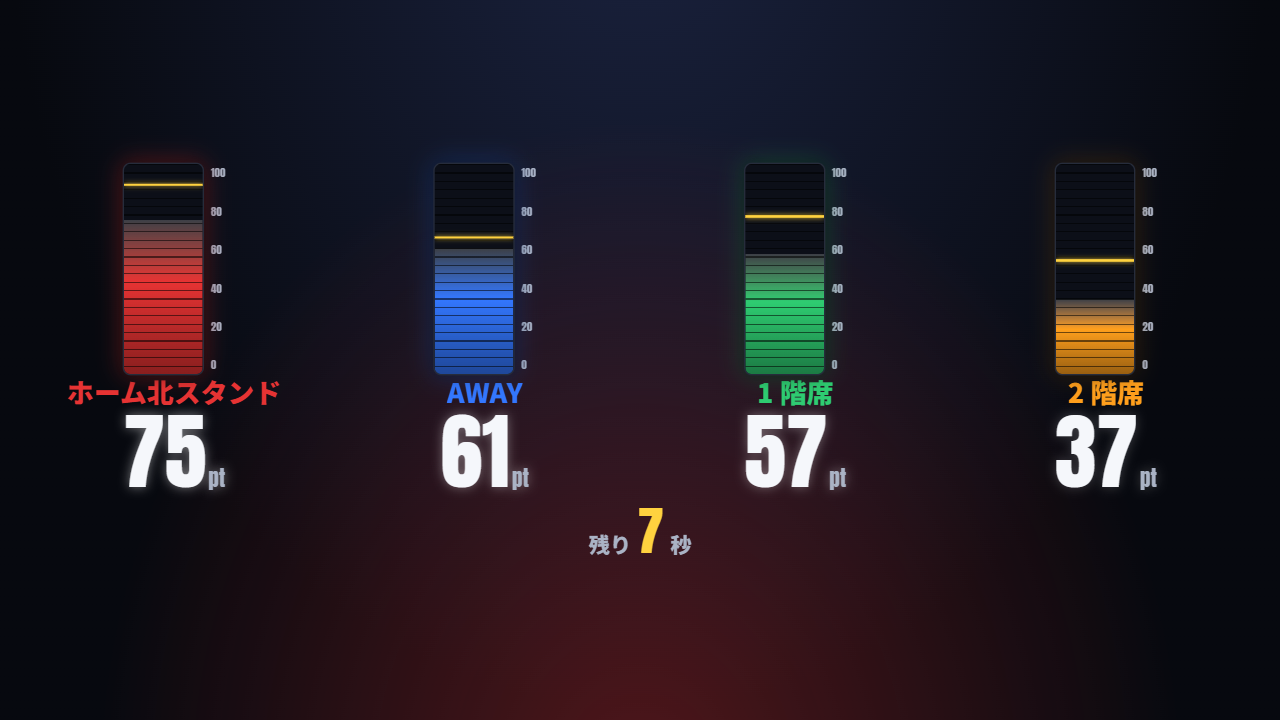
Simultaneous battles
Measure up to four teams at once, with one meter per team. Use one stereo feed from the house mixer (left and right for two teams) or one USB mic per team. The one-team-at-a-time mode is still there.
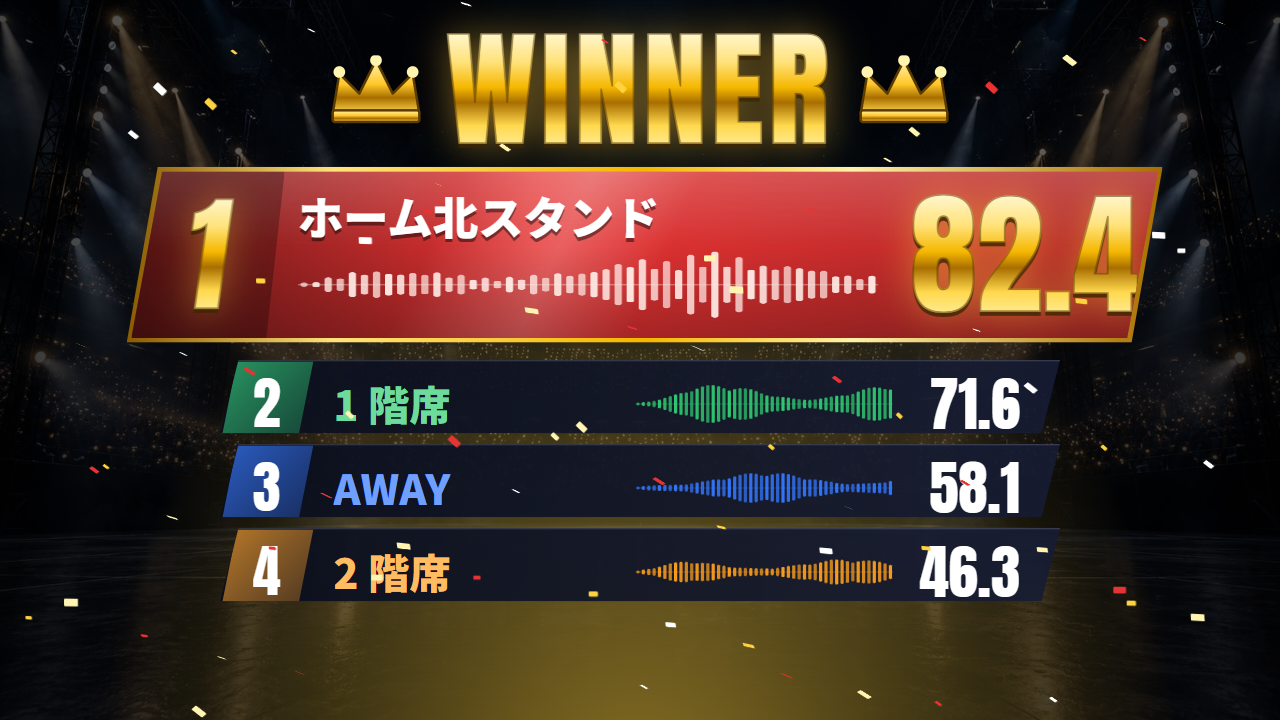
Voice waveforms in the result
With three or four teams, each result row shows the waveform of the noise that team actually made. With two teams, a split-screen VS crowns the winner.
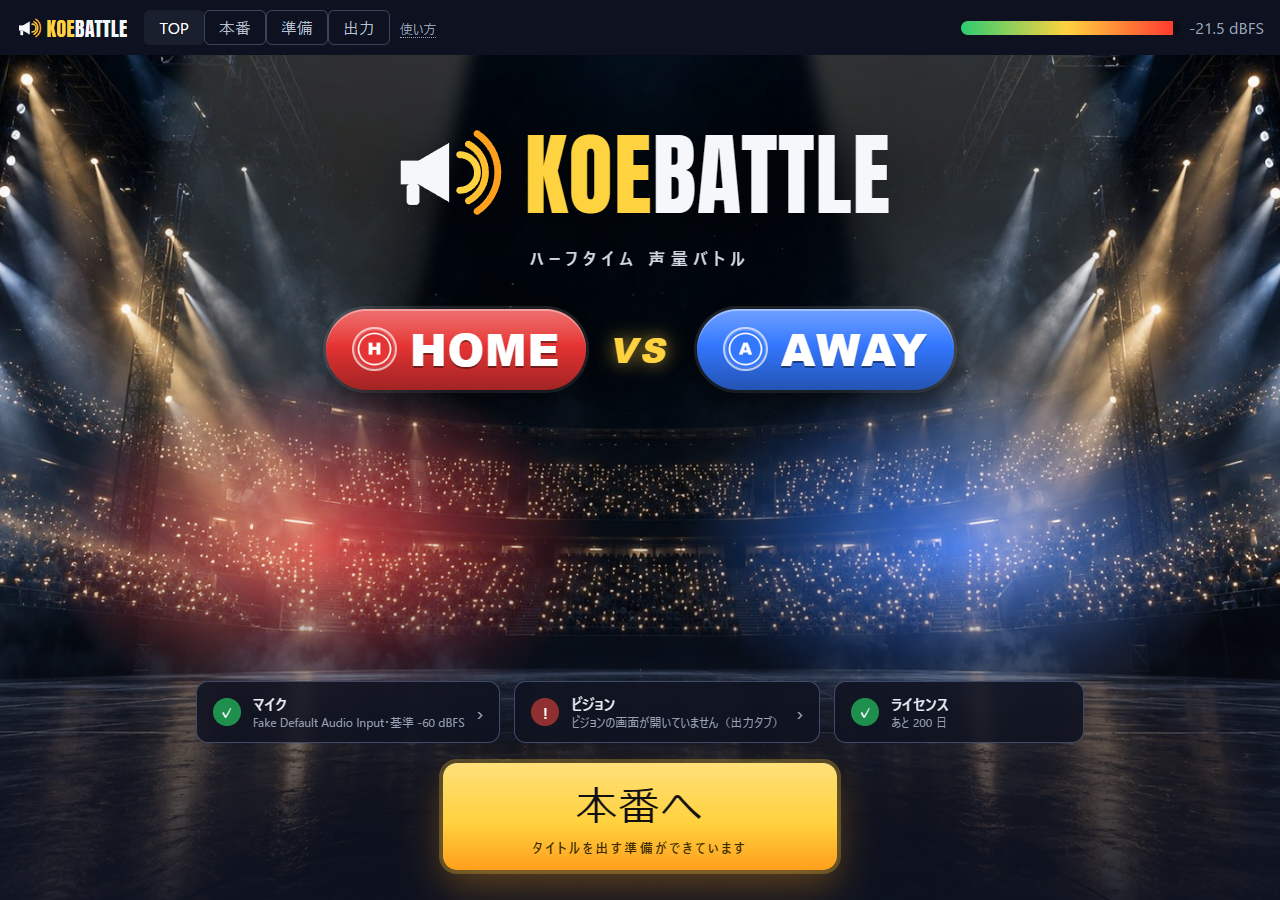
Ready check at start-up
The control screen opens on an arena-style TOP page. When mic, screens and license all show ✓, press "Go live". The stands light up as the crowd gets louder.
One round
The operator presses one big button, step by step. It follows the script
Call-out
"HOME, go!" ("All teams, go!" in simultaneous mode). The team name and logo fill the screen.
Countdown
3, 2, 1 while the MC hypes the crowd.
Measure
For 10 seconds (adjustable) the meter swings with the noise. Seconds left are shown.
Result
A split-screen VS for two teams, voice waveforms for three or four, then the winner.
Two to four teams, measured one at a time or all at once. Any round can be measured again. Ties show DRAW.
It looks like your venue
Team names and colors, logos, backgrounds, sponsor credits and every line of text can be changed on the spot
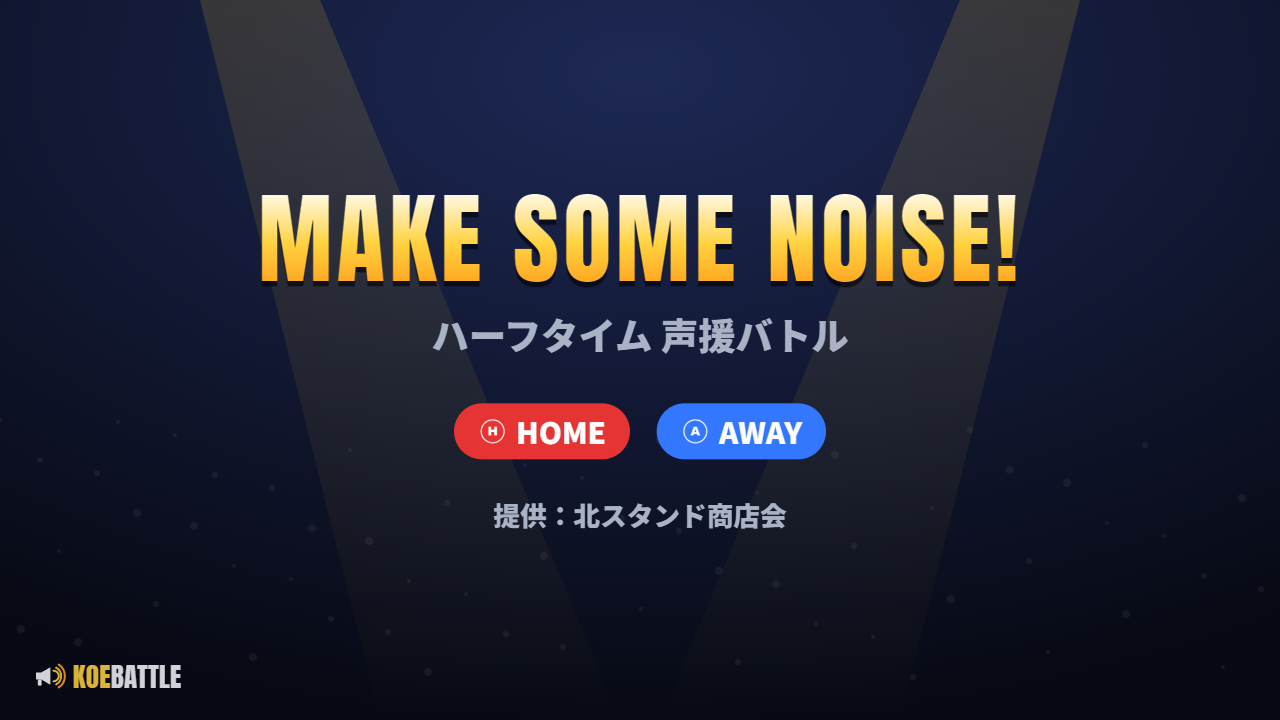
Logos, background, sponsor
Team logos sit next to the names. The background can be an image or a video. The sponsor credit appears on the title and result screens.
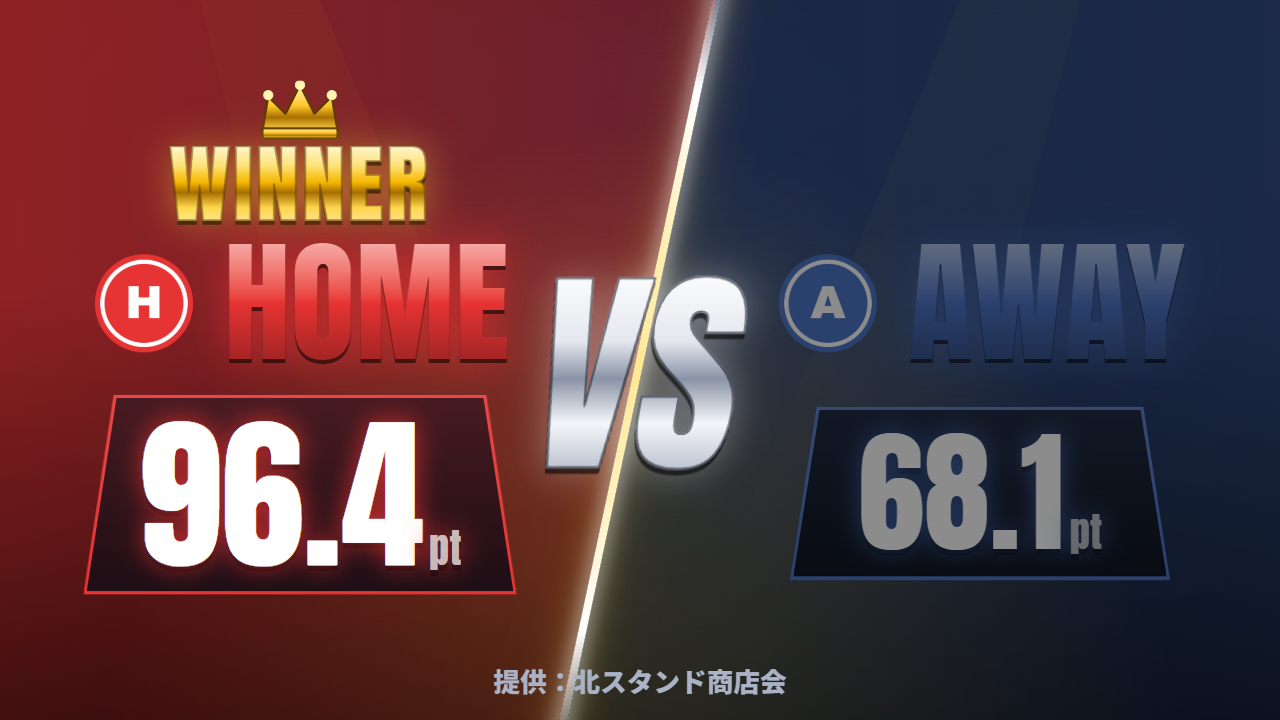
Results: VS and waveforms
Two teams get a split-screen VS; three or four get a board with voice waveforms. A crown and confetti for the winner. Three meter styles: bar, speedometer, ring.
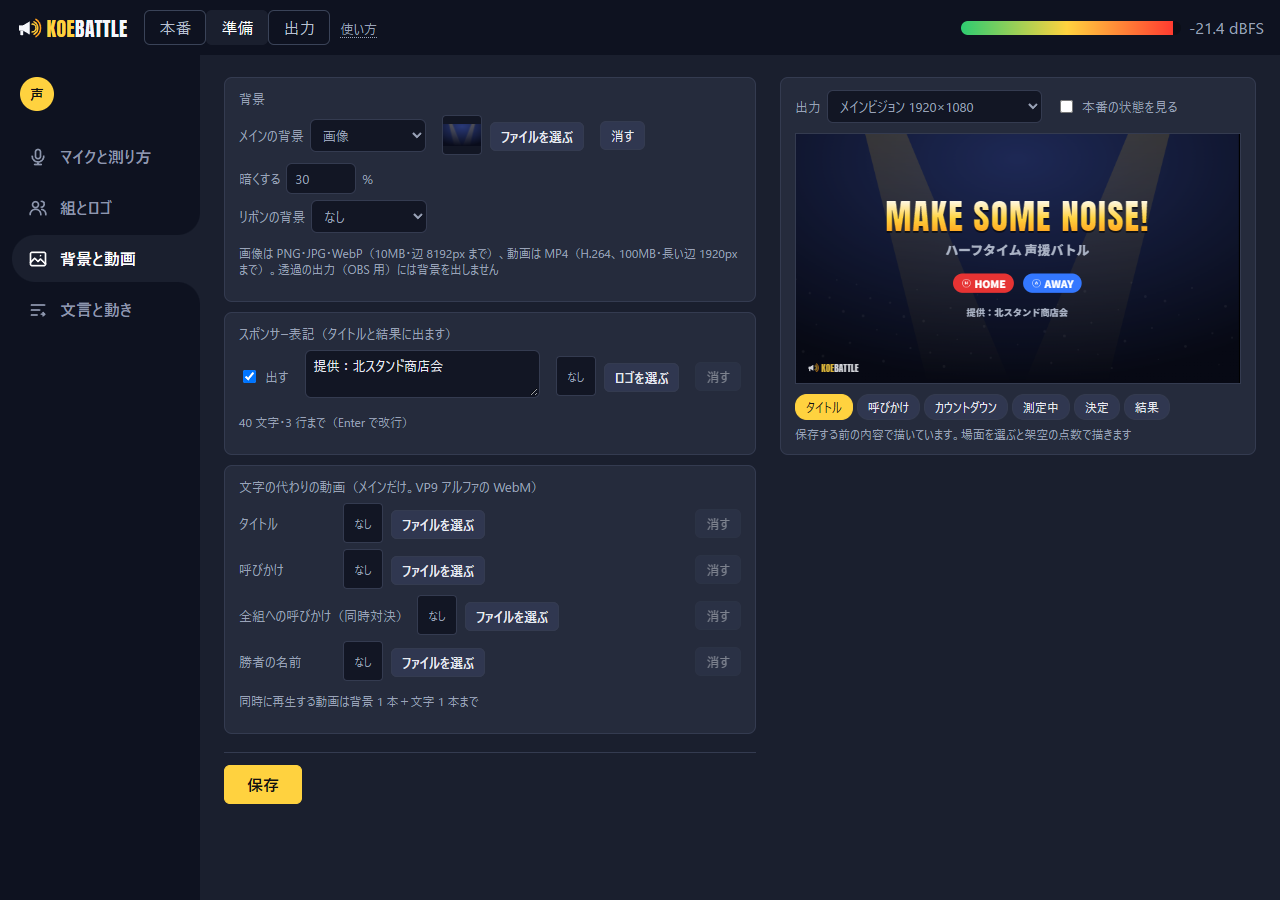
Preview before you save
The setup screen previews the title, call-out, measuring and result scenes with mock scores. No need to run the show.
Video instead of text
The call-out, winner and title can be replaced with alpha-channel video (WebM) to match the venue's look.
Main and ribbon at once
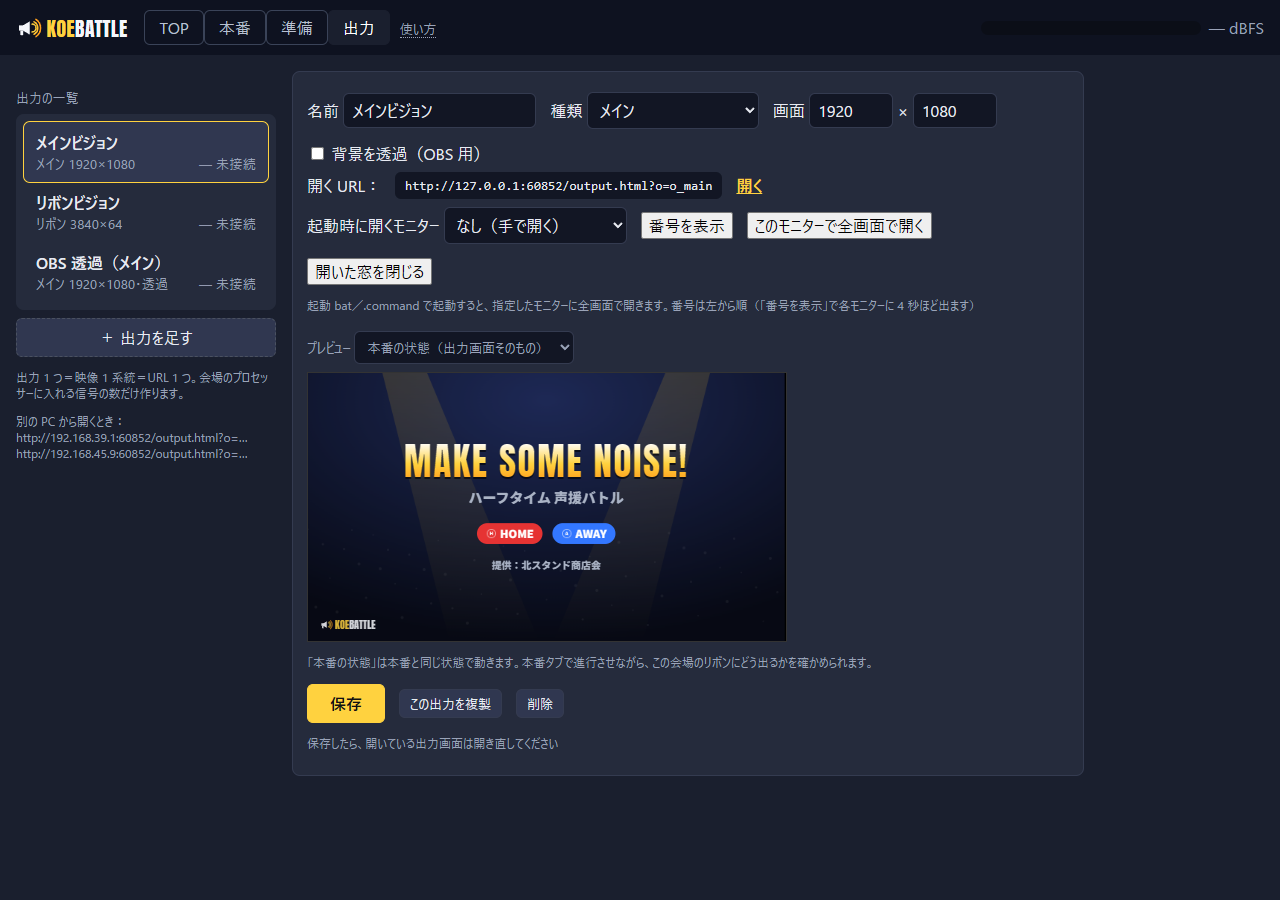
Three ways to feed the screens, because every venue is wired differently
| Feed | How |
|---|---|
| Separate video inputs | Two outputs from the PC: the main screen and the ribbon each open full-screen on the monitor you assign, automatically at start-up. |
| One combined signal | A "composite" output places the main frame and ribbon strips at pixel positions in one picture. Multi-row ribbon deliveries (e.g. seven 1824-px rows over two 1080p signals, with a shorter camera-position row) are supported. |
| Another PC or OBS | Open the URL from any PC on the LAN, or load it as a transparent browser source in OBS and send it over NDI. |
Set up from one USB stick
No installation. Copy the folder and double-click Start
Windows: copy the folder and run Start_KoeBattle. Mac (Apple silicon): extract and run the .command. The runtime is bundled.
Plug in the mic and take a baseline: three seconds of the quiet venue set the zero point for that room.
Licensed per period. The control screen warns before it expires; renewing is dropping a file and double-clicking.
An English quick-start guide is included and works offline. The detailed manual is in Japanese.
FAQ
What kind of microphone do I need?
A USB microphone or the PC's built-in mic both work. A directional mic pointed at the crowd gives clearer differences. A line feed from the house mixer works too.
Are scores in decibels?
No. Scores run from 0 to 100. A baseline is taken in the quiet venue and scores are the difference from it, which makes them less dependent on the microphone's sensitivity. For fairness between teams, place the mic at a similar distance from each section.
Can two teams be measured at the same time?
Yes. In simultaneous mode all teams are measured at once, with one meter per team on the big screen. Use one stereo feed from the house mixer (left and right for two teams) or one USB microphone per team, up to four teams. The one-mic, one-team-at-a-time mode is still available.
Does it play sound effects?
No. Sound from the house speakers would be picked up by the mic and distort the scores. Leave the hype to the DJ and MC.
Which PC?
A recent Windows 10/11 PC or an Apple-silicon Mac, with Edge (Windows) or Chrome (Mac; install Chrome, it is used for the full-screen output). For video backgrounds, a PC with hardware video decoding is recommended.
Start with a conversation
Tell us how your venue is wired (main, ribbon, composite) and how the show is scripted. Demo videos and quotes are available on request.