
Where is it?Own those three seconds.
The host decides where the prize is. Build the tension to the beat of the script, then reveal it right there. One USB stick. No install. No venue internet.
nothing else
- 0
- Installs
- 1PC
- Machine needed
- 2games
- Game types
- 13types
- Covers
- 10types
- Prizes
- 3D+images
- Bring your own
Stop re-rendering the video for every event.
DokoDoko is a real-time 3D prize reveal for arena, stadium and hall screens. Re-skin it for each event and run it live, in step with the show.
No re-rendering
Swap the background, logo, covers, prizes and text and it looks tailored to that event.
The export-and-check loop for every event goes away.
The host owns the result and the moment
Set the winning spot in advance, then reveal it on the MC's cue, exactly where the script says.
Game-day crew stays minimal. Nobody has to babysit the graphics.
Never depends on the venue network
No internet, no installer. Everything lives inside one folder on the USB stick.
Crowded Wi-Fi, no wired drop, no admin rights: none of it stops the show.
Two games, dressed for that day's show.
It's all real-time 3D. Change the covers, prizes, background, logo and colours and it becomes that event's look.
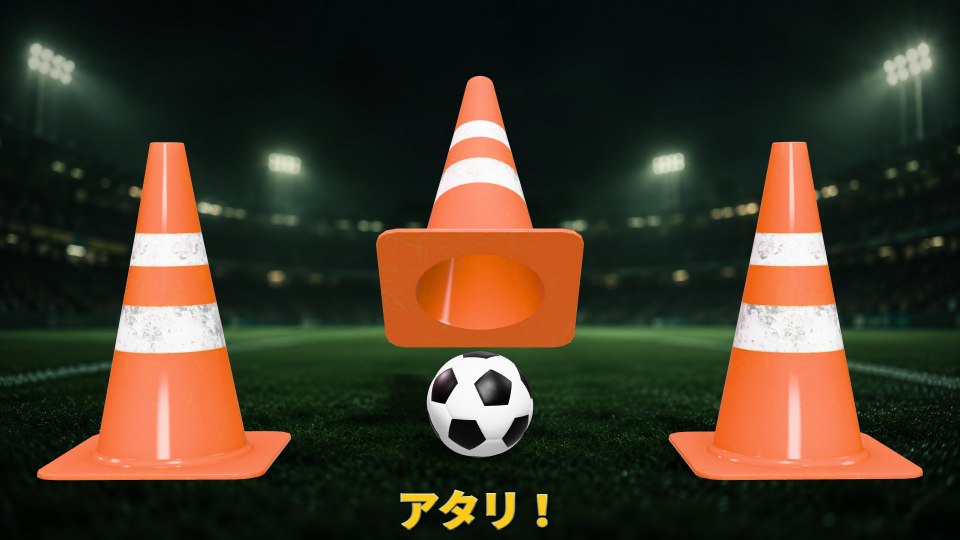
Find the Prize
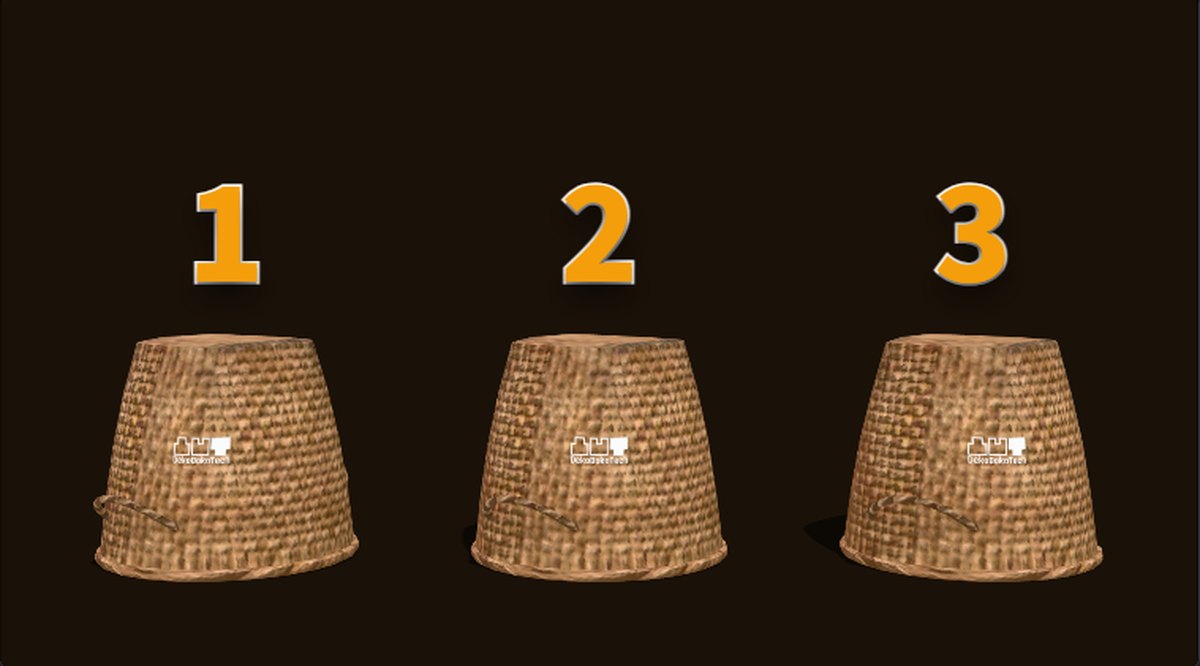
Three covers get shuffled and one is revealed. The host decides where the prize is, so the reveal follows the script.
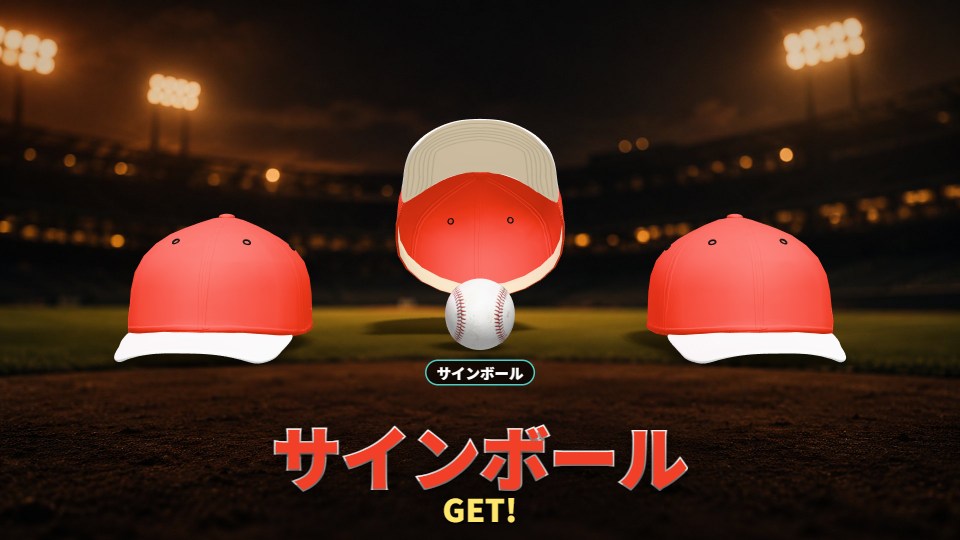
Prize Pick
Three prizes lined up, claimed in the order they're chosen. Swap prize names and photos on the spot.
- Show the prizeEveryone sees what's up for grabs first.
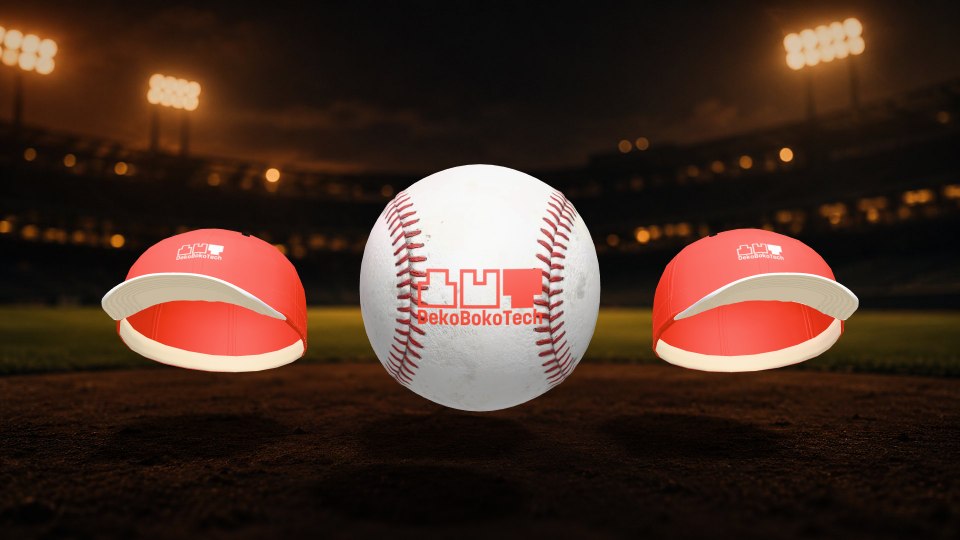
- Cover it, shuffle itEach cover is numbered, so the MC can point and call the game.
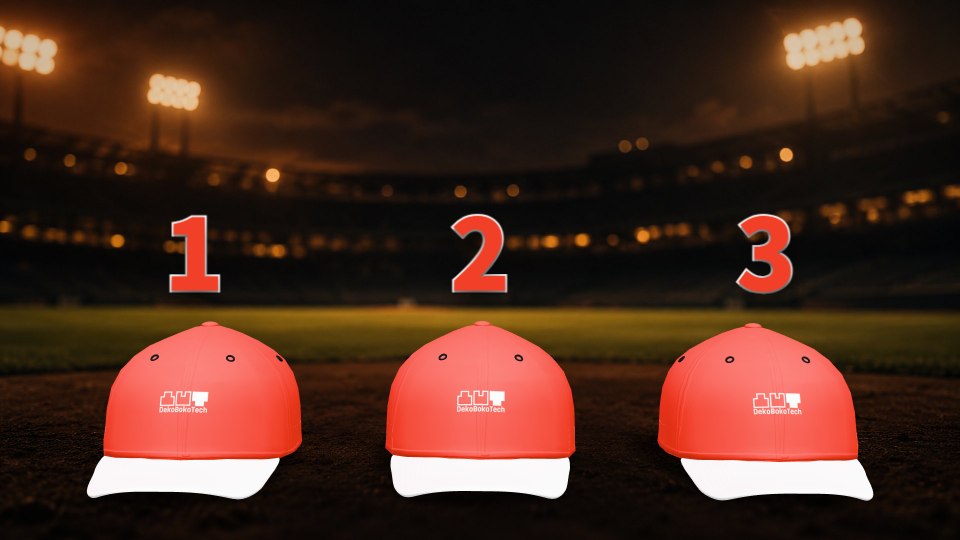
- RevealThe winning spot was set by the host.
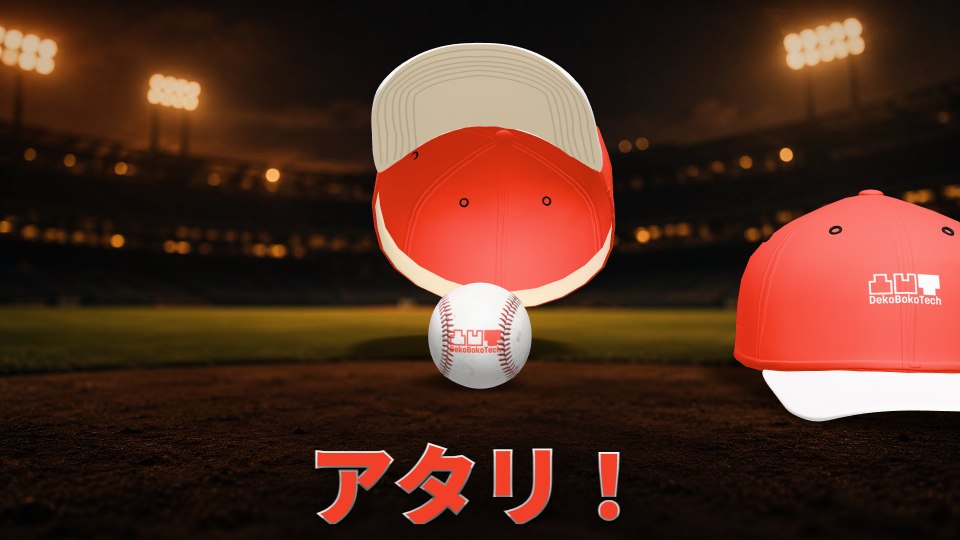

Change the venue, change the picture.
The same stick works in an arena, a stadium or a hall. Covers and prizes get dressed for the sport of the day. Every image here is the actual output.
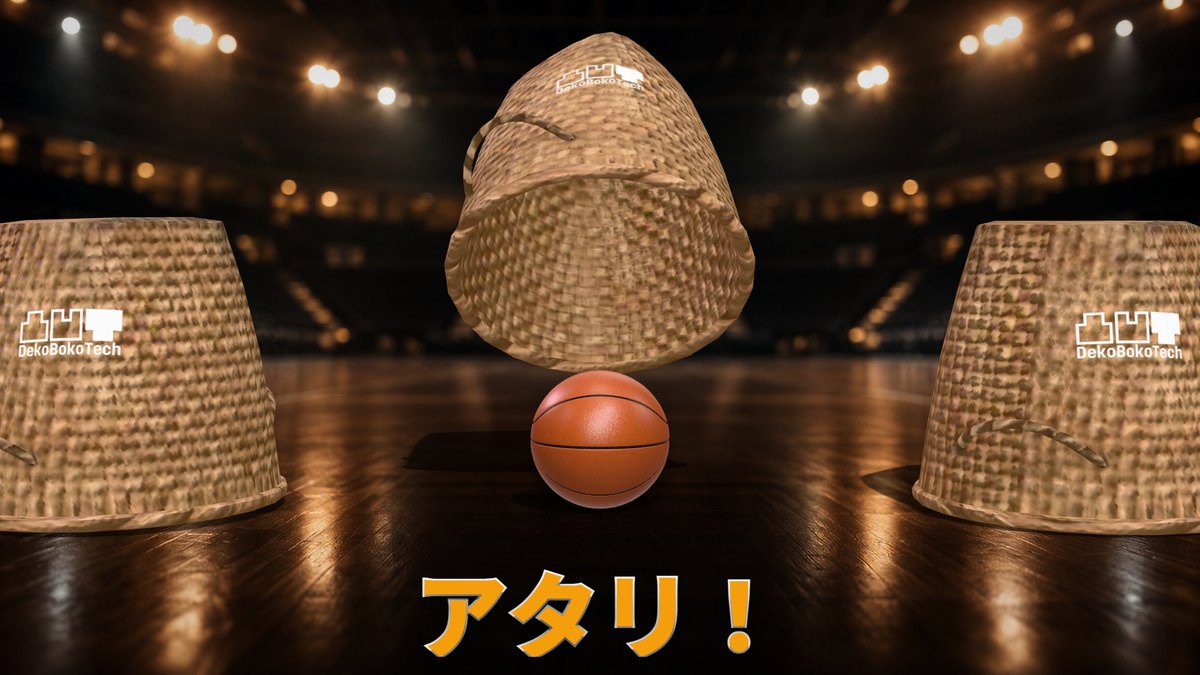
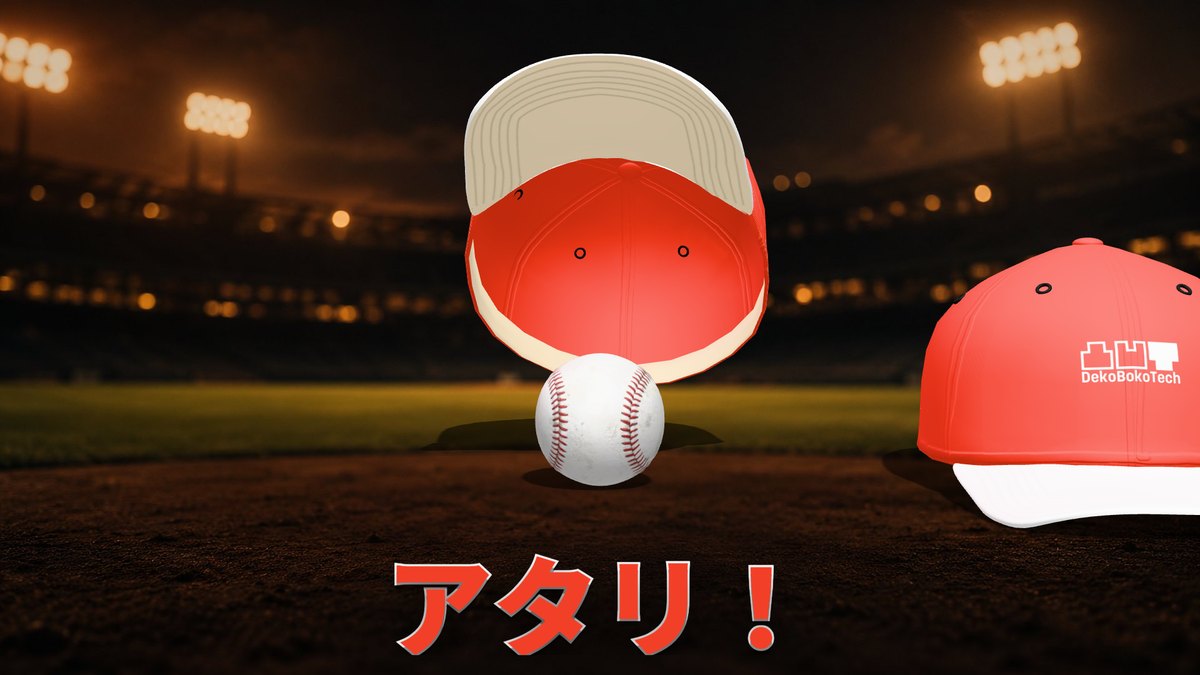
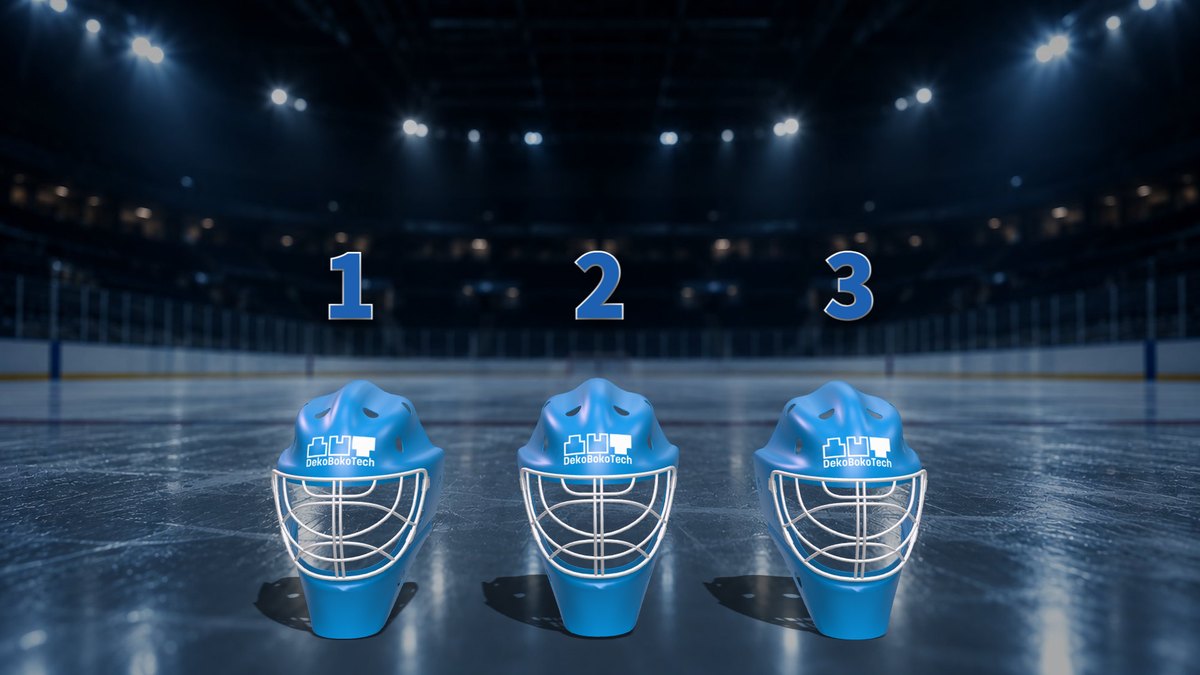
Put the real star of the day on screen.
The client's mascot, the trophy, the actual prize. Import your own 3D models and use them as covers or as prizes. Anything not in the bundled set can be brought in per event.
- 3D models
- GLB format, up to 20 MB per file. Works as a cover or a prize. After import, adjust orientation, size and logo placement on screen.
- Images
- PNG / JPEG / WebP, up to 10 MB each. For backgrounds, logos, sponsors and prize photos.
- Video
- MP4 (H.264), up to 100 MB each. For backgrounds. No audio.
- Logo decals
- Logos apply directly onto the cover's surface. Prizes can carry a different image. A knock-out white version reads best on coloured covers.
- How to import
- Pick the file in the control screen. No extra software, no conversion step. For OBJ or FBX, export to GLB from Blender or similar first.
- Saved
- Imports are kept as templates, ready for the next event.
Plug it in. Double-click. That's it.
Everything runs inside the folder on the USB stick. Nothing is left on the venue PC.
- Install
- None. Everything it needs is on the stick. The venue PC's settings are untouched.
- Internet
- None. It never talks to the outside.
- Machine
- One Windows PC. No special graphics card required.
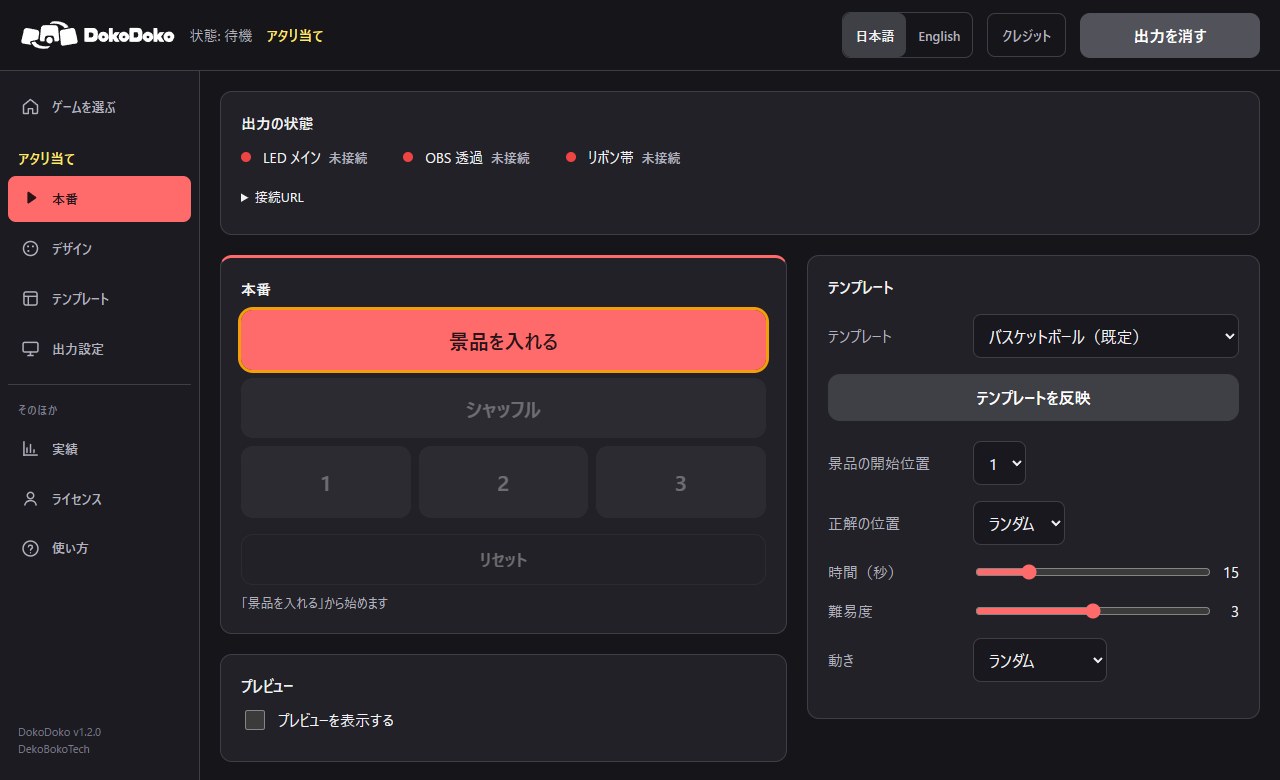
- Control screen
- A browser. Tablets and phones on the same LAN can open it too.
- PIN lock
- Set a PIN and only people who know it can operate the show.
- Records
- Every run is logged with time, game and result, and can be exported to CSV.
HDMI, OBS or NDI.
Pick whichever slots into your existing playout without disturbing it.
HDMI straight from the PC
Full-screen the output page and feed it to the screen or the switcher. The fewest steps of all.
OBS browser source
Add one source to your existing OBS setup and layer it with everything else.
NDI
Add the NDI plugin to OBS and send it over the LAN to a switcher or playout system.
Transparent background
Output with the background removed and layer it over your own picture. Works with keyed setups too.
Several aspect ratios at once
A 16:9 main screen, a ribbon board and portrait signage, each with its own picture, all at the same time.
Latency
Direct HDMI has effectively none. NDI adds some depending on the route, so we provide a pre-show check procedure.
Show or hide the reveal text per output
Keep the main screen clean for your own lower thirds while the ribbon board shows "WINNER!". Set the default in the template and override per output on the day.
The client's logo and colours, the same day.
All of it happens inside the control screen. No export, no other software.
- Background
- Swap in an image or an MP4 video. For transparent output, turn the background off. A "dim" slider keeps text readable over bright footage.
- Logo
- Place it anywhere on screen, or apply it straight onto the covers.
- Covers and prizes
- Choose from the bundled 13 covers and 10 prizes. For your own models, see Bring your own.
- Text
- Change the wording of "WINNER!" and the other on-screen messages. Size and position follow the output's aspect ratio. Text can be switched off entirely.
- Language
- Switch between Japanese and English, so it works at venues for overseas clients too.
Quoted per project.
Terms depend on the period and the number of sticks, so we quote after a short conversation.
- Rental
- Monthly or yearly, for a defined period. Suits season-long engagements.
- Perpetual
- No expiry. For when you expect to keep using it.
- Delivery
- One USB stick. One delivery = one stick, kept separate per project.
- Renewal
- Save the file we send you and double-click the renewal tool inside the folder. Done.
The questions we get first.
Does it work without internet at the venue?
Yes. It never talks to the outside. Everything runs from the folder on the stick.
What equipment do we need?
One Windows PC and a cable to the screen. No special graphics card.
Can our own operator run it on the day?
Yes. The Live page is the only screen you touch. A manual and a quick-start guide are on the stick, and we can walk your team through it online beforehand.
What if the PC or the browser dies mid-show?
The show state is saved continuously, so you pick up from where it stopped. A watchdog runs alongside the app and restarts it automatically if it ever fails (resuming mid-game within 6 hours). The venue screen comes back as soon as you reopen the same URL.
Does it play sound?
No. Video only. Drum rolls and stings are cued by the venue's audio desk. House sound is the PA's job, and a graphics PC that plays sound on its own only complicates the running order.
Can we show the client's mascot or product?
Yes. Import a GLB 3D model and use it as a cover or a prize (up to 20 MB per file). Orientation, size and logo placement are adjusted on screen. For OBJ or FBX, export to GLB from Blender or similar first. Logos and backgrounds come in as PNG, JPEG or WebP, and backgrounds can also be MP4 video.
Can we use it at two venues on the same day?
One stick runs on one PC, so two venues at once means two sticks. Reusing a stick on different days is fine.
Tell us how your
game day runs.
Venue setup, output environment, the moment you want to create. With those three we can tell you on the spot whether it fits, and show you a demo.
DokoDoko is built by DekoBokoTech, a team that makes and runs real-time graphics at live sports and events.